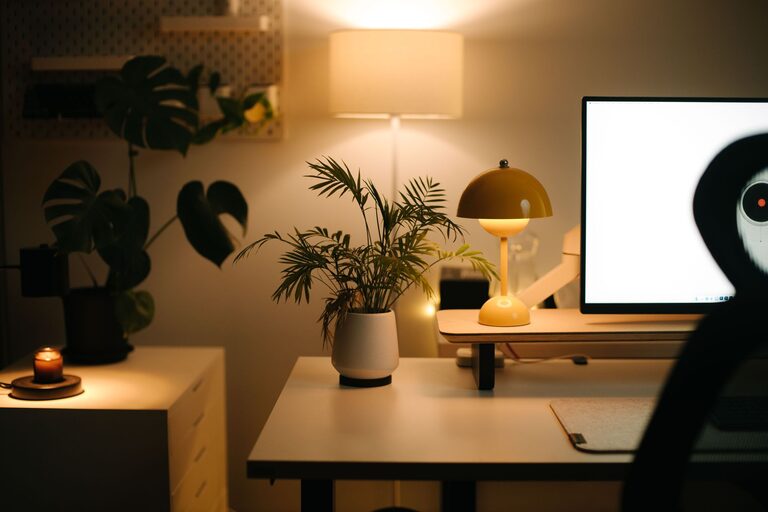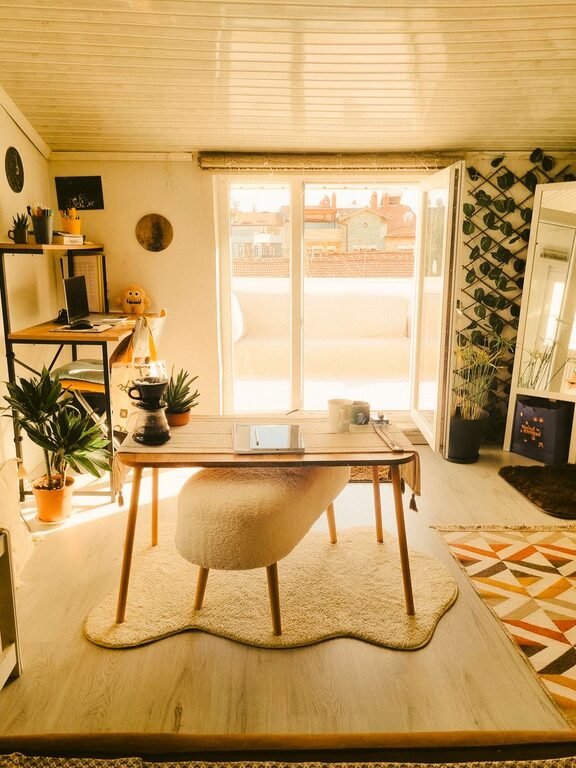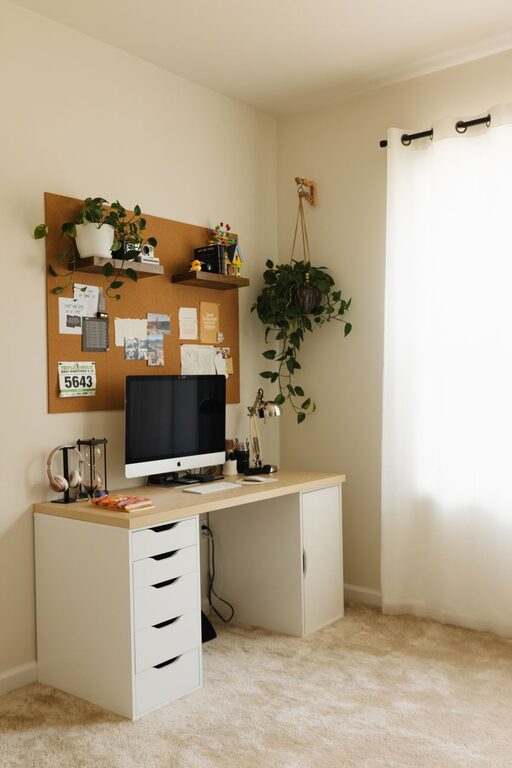

Creating a well-organized home workspace is key to boosting productivity and maintaining focus, especially when your kitchen table or living room might double as your office at times. A cluttered or disorganized area can easily distract you, slow your workflow, and increase stress levels. Fortunately, a few thoughtful changes and organizing strategies can transform your work zone into a place where you feel motivated and ready to tackle your tasks efficiently.
In this post, we’ll cover practical tips for organizing your home workspace, no matter how big or small it is.
Why Organizing Your Workspace Matters
A neat and orderly workspace can:
– Reduce stress and distractions
– Improve focus and creativity
– Help you establish a clear work-life boundary
– Save time spent searching for items
– Encourage better work habits
Even small improvements can make a big difference in your daily work experience.
1. Choose the Right Location
Start by selecting a spot in your home that best suits your work needs. Ideally, this space should be:
– Quiet and free from heavy foot traffic
– Well-lit with natural light if possible
– Equipped with enough surface area to hold your essentials
Having a dedicated area signals to your brain that it’s work time and helps separate personal and professional activities.
2. Declutter and Prioritize Essentials
Clear off your desk and surrounding surfaces entirely. Keep only what you use daily. Common essentials include:
– Computer or laptop
– Notepad and pens
– Phone charger
– Desk lamp
– A small plant or photo for aesthetic and mood
Store seldom-used items elsewhere or get rid of unnecessary clutter. Clutter can reduce your ability to focus, so a clean space promotes clarity.
3. Invest in Storage Solutions
Use storage tools to keep your space tidy and organized:
– Drawer organizers for pens, paperclips, and small supplies
– Shelves or filing cabinets for documents and books
– Desk trays to separate incoming and outgoing paperwork
– Cable management clips or boxes to reduce cord mess
Organized storage means everything has a place, which makes it easier to maintain order.
4. Use Vertical Space
If your desk area is limited, think vertically:
– Install wall shelves for frequently referenced books or binders
– Use pegboards to hang office tools or accessories within sight and reach
– Consider wall-mounted organizers or corkboards to keep notes and reminders visible
Vertical organization frees up desk surface and keeps important items accessible.
5. Set Up Proper Lighting
Good lighting reduces eye strain and improves concentration. For your workspace:
– Aim for a combination of natural and artificial light
– Position your desk near a window if possible
– Use an adjustable desk lamp focused where you work
– Choose bulbs that mimic daylight to maintain energy and alertness
Proper lighting creates a comfortable environment essential for long working hours.
6. Personalize Without Overdoing It
A few personal touches can make your workspace feel inviting and increase motivation, such as:
– A framed photo of loved ones
– A small succulent or easy-care plant
– Inspirational quotes or artwork
Avoid overcrowding your area, as too many decorations can become distracting.
7. Create Cable and Tech Organization
Cord clutter can be an eyesore and cause frustration. Manage cables by:
– Using cable ties or clips to bundle cords together
– Labeling cables for easy identification
– Using wireless devices when possible
– Storing chargers and accessories in dedicated containers
Keeping tech organized ensures a cleaner surface and reduces interruption.
8. Develop Daily Habits to Maintain Order
Organizing isn’t just a one-time task. Develop habits like:
– Tidying your desk at the end of each day
– Filing documents immediately after use
– Regularly reviewing your storage system and adjusting if needed
Consistency helps your workspace stay productive over the long term.
9. Optimize Desk Layout for Comfort and Efficiency
Arrange your desk so that the most used items are within arm’s reach. Also, consider ergonomics:
– Position your monitor at eye level
– Place your keyboard and mouse comfortably
– Use a supportive chair that promotes good posture
An efficient layout reduces strain and helps you work longer without discomfort.
10. Keep Digital Files Organized Too
Physical organization is important, but don’t forget digital clutter:
– Create clear folder structures on your computer
– Use cloud storage for easy access and backup
– Regularly delete or archive outdated files
A tidy digital workspace complements your physical setup and streamlines your workflow.
—
By following these tips, you can create a home workspace that encourages focus and productivity. Remember, the goal is to build a space where you feel motivated and comfortable, one that supports your best work. Start small, and adjust your setup as needed over time—your ideal workspace will evolve with you!
About the Author