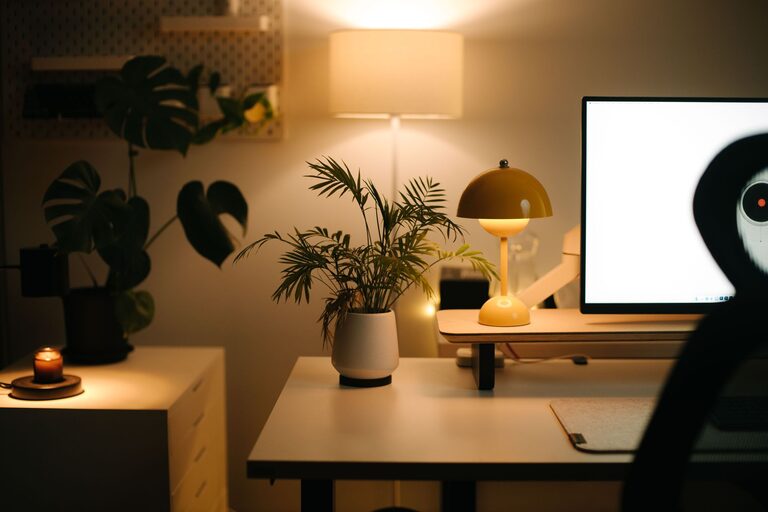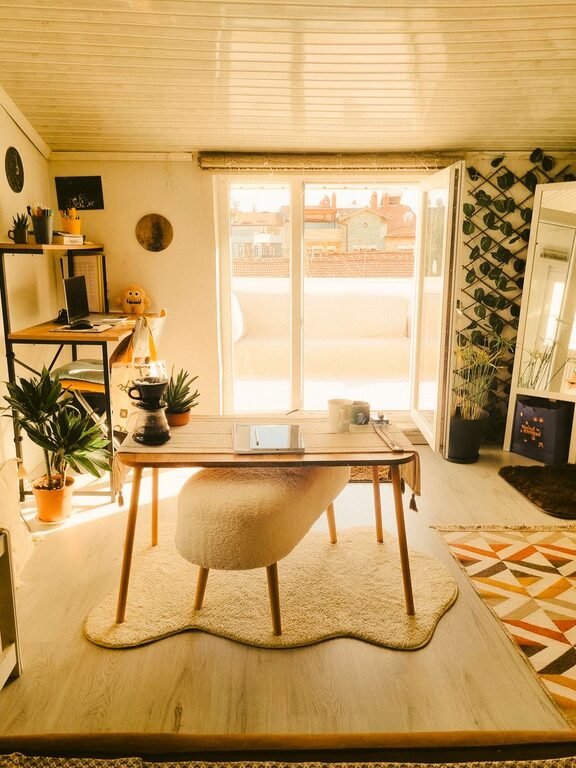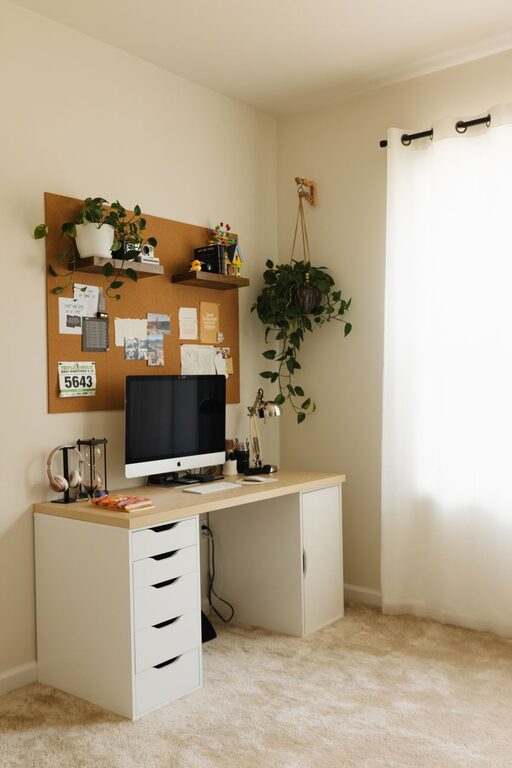

Creating a home office that feels both cozy and productive is essential for anyone working remotely or spending significant time on tasks at home. A well-designed workspace doesn’t just improve efficiency; it contributes to your overall well-being by making work a more enjoyable experience. If you’re looking to upgrade your home office, here are practical tips to help you design a space that keeps you comfortable, focused, and motivated.
Why a Cozy and Productive Space Matters
Working from home blends life and work in the same environment, which can be both an advantage and a challenge. A cozy office fosters relaxation and reduces stress, while a productive setup helps maintain focus and minimize distractions. When these two qualities come together, you create an environment where you can thrive professionally and personally.
1. Choose the Right Location
Select a spot in your home that allows some separation from daily distractions. If possible, dedicate a specific room or a quiet corner as your workspace. Good natural light is a bonus, as sunlight boosts mood and energy levels. Avoid busy areas like the kitchen or living room if you need minimal interruptions.
2. Invest in Comfortable Furniture
Your chair and desk are the foundation of your comfort. Opt for an ergonomic chair that supports your back and promotes good posture. Adjustable desks that allow you to switch between sitting and standing positions can also increase comfort and reduce fatigue.
– Look for desks with enough surface area for your essentials.
– Consider footrests, cushions, or ergonomic accessories to enhance comfort.
3. Lighting Matters
Proper lighting can reduce eye strain and improve focus.
– Use a combination of natural light and ambient lighting.
– Add a desk lamp with adjustable brightness to focus on tasks.
– Avoid harsh overhead lights that create glare on screens.
4. Personalize Your Space
Making your office feel welcoming encourages productivity. Add personal touches that inspire and relax you:
– Photos, artwork, or motivational quotes.
– Plants, which also improve air quality.
– Colorful or textured cushions, rugs, or curtains to add warmth.
5. Keep Clutter Under Control
A clutter-free space helps clear your mind and improve concentration.
– Use organizers, shelves, or filing cabinets to keep materials tidy.
– Regularly declutter your desk and digital files.
– Have a system for documents, office supplies, and cables to avoid mess.
6. Optimize Technology and Tools
Reliable technology is essential for productivity.
– Use a fast, stable internet connection.
– Invest in quality peripherals like a comfortable keyboard and mouse.
– Utilize productivity apps or timers to manage tasks and breaks effectively.
7. Manage Noise and Distractions
Minimize disruptions to maintain flow.
– Use noise-canceling headphones or white noise machines if needed.
– Set boundaries with household members about work hours.
– Keep your phone in a silent mode or out of reach when focusing.
8. Incorporate Break Areas
Including a small space for breaks can improve creativity and reduce burnout.
– A cozy chair or small lounge area for short breaks.
– A spot near a window or a plant to refresh your mind.
9. Maintain Good Air Quality
Fresh air helps concentration and reduces fatigue.
– Open windows when possible to circulate air.
– Use air purifiers or keep indoor plants that filter air.
10. Set a Routine and Stick to It
Even the best space won’t guarantee productivity without a plan.
– Establish regular working hours.
– Take scheduled breaks.
– End your workday by tidying up your space to create a clear boundary between work and home life.
—
Designing your home office to be both cozy and productive takes a little thought and effort, but the benefits are well worth it. When your workspace supports your comfort and focus, you’ll find your workday flows more smoothly and your motivation stays high. Start with these tips today to create a home office that truly meets your needs.
About the Author