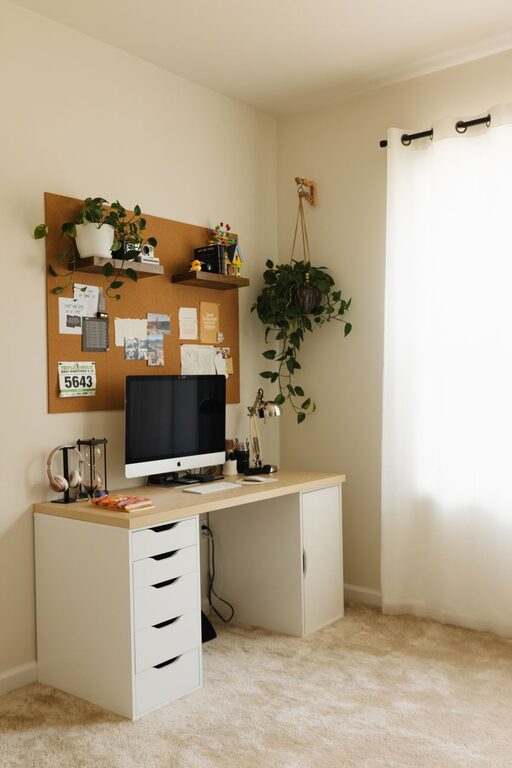
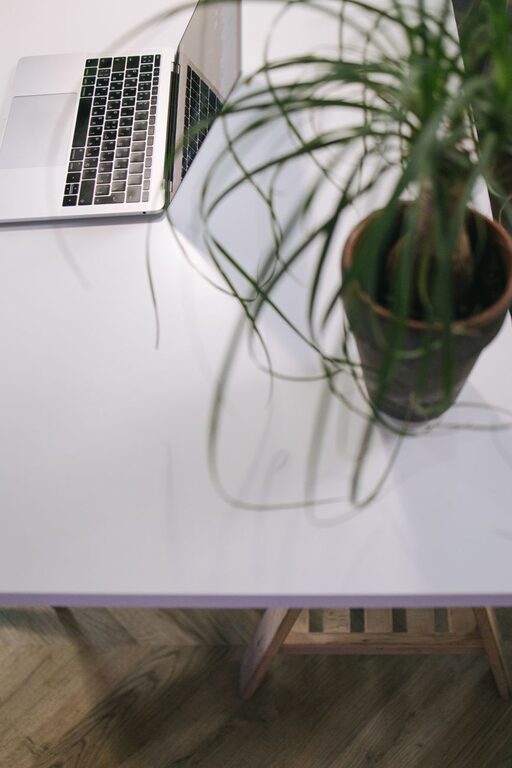
Creating a productive home workspace is key to staying focused and efficient while working from home. With so many distractions around, having a well-organized and comfortable setup can make all the difference. Whether you’re new to remote work or looking to improve your current space, these practical tips will help you design an inspiring and efficient home office.
1. Choose the Right Location
The first step in organizing a productive workspace is selecting the ideal spot in your home. Think about where you can work with minimal distractions and good natural light.
– Quiet spaces: Pick a room or corner away from high-traffic areas.
– Natural light: Position your desk near a window to reduce eye strain.
– Comfort: Ensure the space has enough room for your equipment and offers a comfortable environment.
2. Invest in Quality Furniture
Your furniture choices impact comfort and productivity. A good chair and desk can prevent discomfort and encourage better posture.
– Ergonomic chair: Look for adjustable height, lumbar support, and comfortable cushioning.
– Desk size: Choose a desk that fits your work essentials without feeling cramped.
– Standing options: Consider a sit-stand desk or an adjustable desk converter to vary your posture.
3. Declutter and Organize
A cluttered workspace can hinder focus. Keep your desk organized and free of unnecessary items.
– Use storage solutions: Shelves, drawers, and file organizers help keep your materials tidy.
– Daily cleaning: Spend a few minutes each day clearing your desk to maintain order.
– Limit personal items: While adding personality is good, avoid overcrowding your workspace with too many decorations.
4. Manage Cables and Tech
Wire clutter is distracting and can cause frustration. Organize your cables and keep technology streamlined.
– Cable organizers: Use clips, ties, or sleeves to bundle cables neatly.
– Tech essentials only: Keep only necessary devices within reach.
– Charging station: Create a designated spot for charging your phone, laptop, and other gadgets.
5. Optimize Lighting
Proper lighting reduces eye strain and helps maintain energy levels.
– Balanced lighting: Combine natural light with desk lamps or overhead lights.
– Adjustable lamps: Use lamps with adjustable brightness for task-specific lighting.
– Avoid glare: Position screens and lights to reduce reflections and glare.
6. Personalize Your Space
Adding a touch of personality can make your workspace inviting without causing distractions.
– Plants: Small indoor plants improve air quality and add a calming effect.
– Artwork: Select inspiring but simple artwork or photos.
– Colors: Use calming colors in your decor to foster concentration.
7. Create a Routine and Boundaries
Organizing your workspace is just part of the process. Establish clear routines to stay productive.
– Set work hours: Define when you start and stop work to separate professional time from personal time.
– Use your workspace only for work: This helps your mind associate the space with focus and productivity.
– Take breaks: Step away periodically to recharge and avoid burnout.
8. Use Productivity Tools Wisely
Leverage technology to maintain organization without causing distractions.
– Task management apps: Tools like Trello, Asana, or Todoist keep your work organized.
– Time management: Use timers or techniques like Pomodoro to structure your work periods.
– Noise control: Noise-cancelling headphones or white noise apps can help block distractions.
Conclusion
Organizing a productive home workspace is about combining comfort, functionality, and personal touches. By thoughtfully selecting your space, investing in the right furniture, maintaining order, and establishing clear routines, you can create an environment that supports your best work. Small changes today can lead to big improvements in focus and productivity tomorrow. Start with one or two tips and build your perfect home office step by step.
About the Author